Top videos
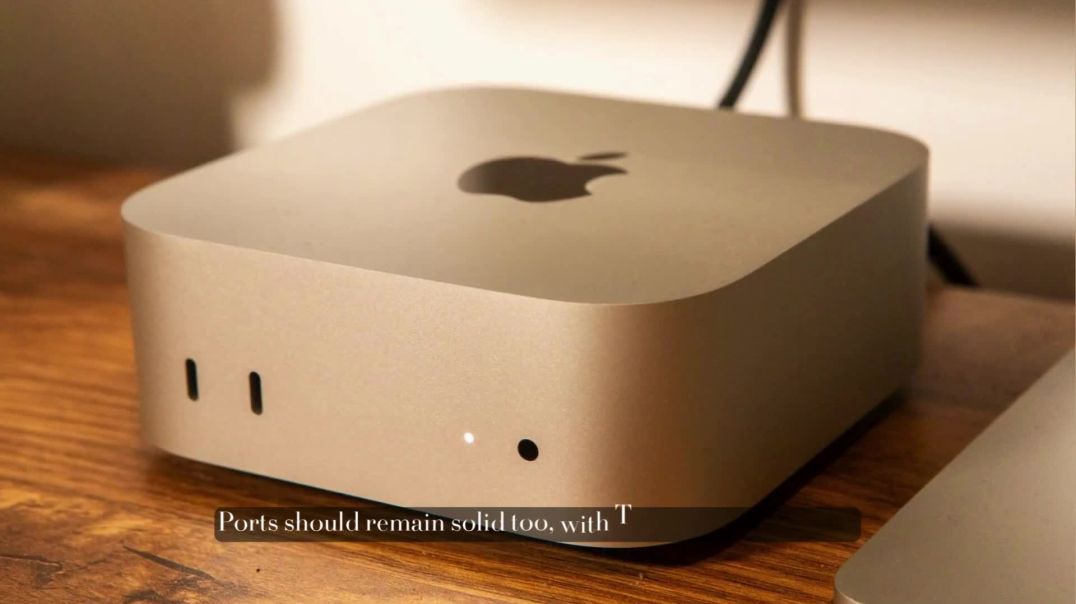
The M5 Mac mini is back, and it’s being hailed as the Value King of compact desktops! With major performance upgrades, improved efficiency, and sleek design enhancements, Apple is once again setting the standard for small yet powerful computers.
In this video, we break down:
CPU & GPU performance upgrades
RAM and storage options
Design and connectivity improvements
Pricing and release expectations
Whether you’re a creative professional, gamer, or productivity enthusiast, the M5 Mac mini promises incredible performance at an unbeatable value.

Jaspr on Observable Flutter → https://goo.gle/48TdWUP
Buddyfinder on GitHub → https://goo.gle/3L3yQsD
Join Craig as he demonstrates how to use Jaspr and Antigravity to build a traditional web site experience with Dart while sharing business logic with a Flutter app.
Jaspr's rendering pipeline produces HTML and CSS unlike Flutter, which renders pixels directly to a canvas. Jaspr uses classes called Components which take heavy inspiration from Flutter widgets. Watch along and see how to go quickly from prompting in Antigravity to a Flutter app and Jaspr website using a shared API, with shared classes and logic in no time.
Prompt used in this video:
➡ “Outline a project called Buddyfinder, which is a pet adoption site for cats and dogs. The project should have 4 main components - a Dart Frog server which will be the shared API, a server rendered Jaspr project which will be the SEO friendly website, a Flutter project for mobile, and a `shared` directory to host common business logic and data models.”
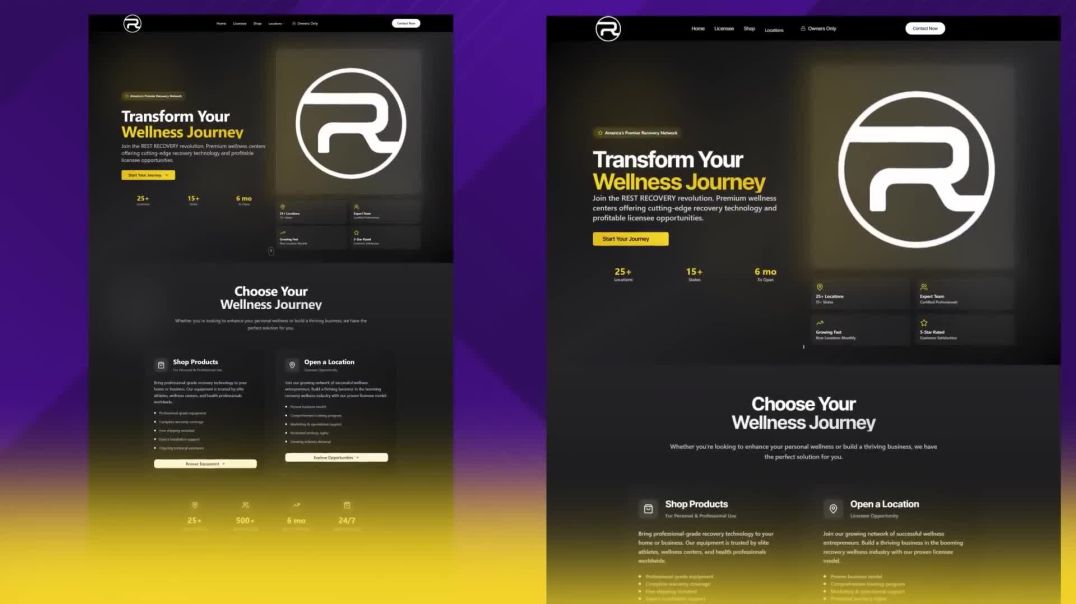
Ever wondered how people are cloning AI-powered websites in just a few minutes? In this video, I’ll show you step-by-step how I cloned a full AI website using Elementor and WordPress — without writing a single line of code.

Surah Rahman Qari Sadaqat Ali With Urdu Translation
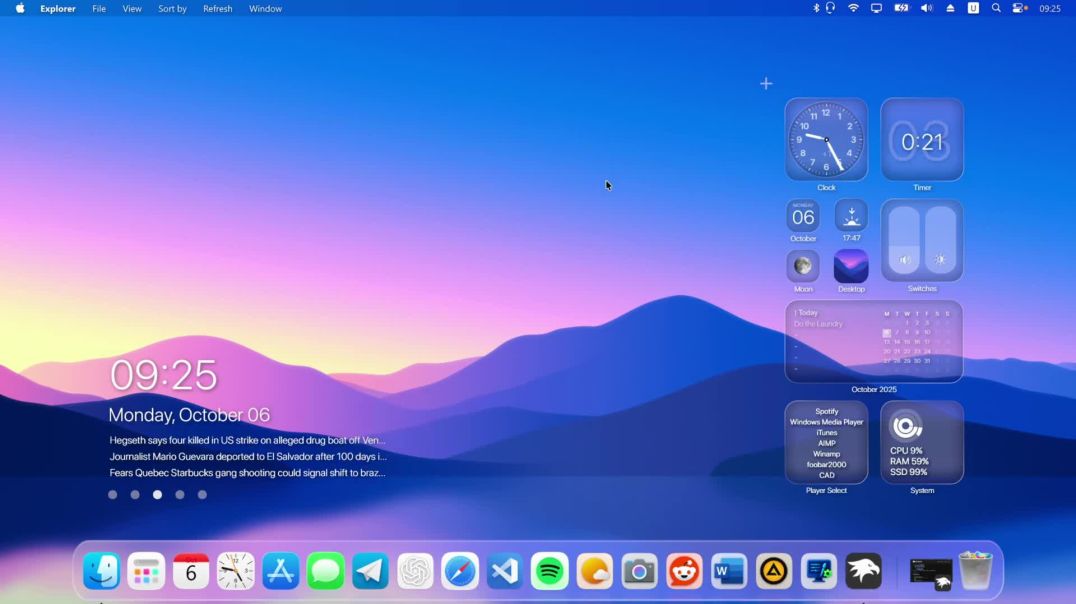
Are you ready to transform your new Windows 11 25H2 desktop into a stunning, clean, and functional macOS clone? In this complete step-by-step guide, I'll show you how to get the perfect macOS look, from the iconic dock and glassy effects to the system-wide theme and icons. No detail is missed!
This is the most comprehensive Windows-to-macOS transformation for 2025. Whether you're a long-time fan of Apple's design or just want a more beautiful and productive desktop, this tutorial is for you.
DOWNLOADS LINK: https://mega.nz/file/6JxHELwS#....gZLly7W5a-5K5WWXJT06
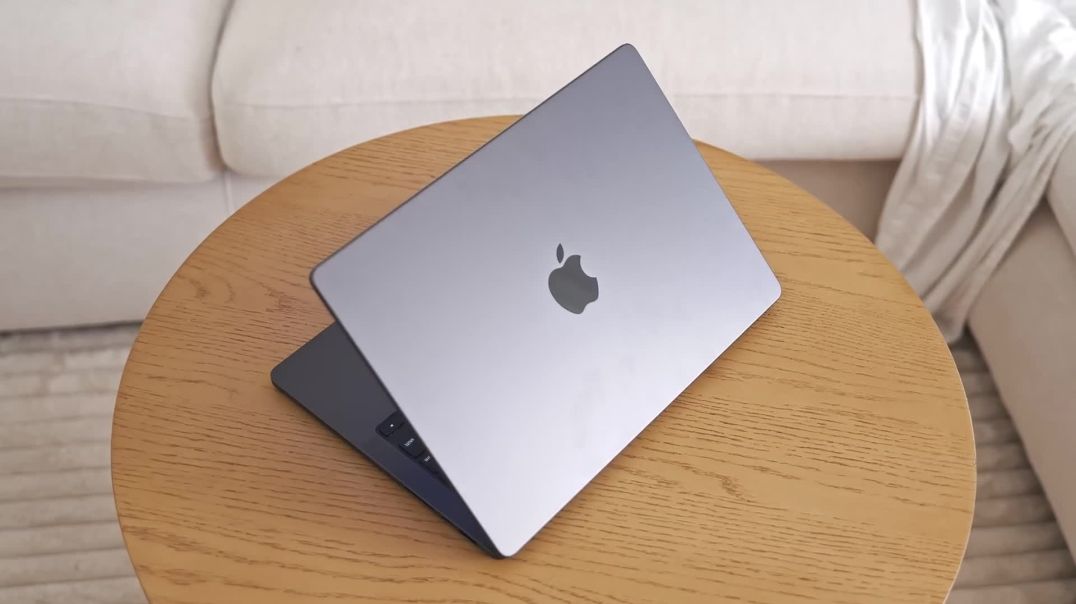
I've been using the new M5 MacBook Pro and comparing it to other MacBooks like the MacBook Air or M4 Pro MacBook Pro. The comparison was very interesting, and here's why
Take a first look at Elementor 3.33, another step towards a fully atomic infrastructure. In this demo, Roi showcases the latest upgrades - Variables Manager, Custom CSS, Blend modes, and more!
What’s inside:
✨ Variables Manager: Centralize and control all your color, typography, and size tokens for consistent, scalable design systems.
? [Pro] Custom CSS: Write isolated, responsive, and state-based CSS directly inside atomic elements for pixel-perfect control.
? Background Clipping: Fill elements with dynamic gradients or images for stunning visual effects.
? Blend Mode: Layer and blend visuals to create depth, contrast, and cinematic design effects.
? [Pro] Cloud Templates Media: Export and import full Website Templates with media included for seamless sharing and migration.
? Top Bar Refresh: A cleaner, more intuitive editing experience with faster access to your most-used tools.
? Ready to shape the future of Elementor? Try Editor V4 Alpha now:
1. Update to the latest Elementor version.
2. In your WordPress dashboard, go to Elementor → Settings → Editor V4 tab.
3. Activate Editor V4 Alpha.
⚠ Reminder: Editor V4 is currently in alpha and should only be used on staging or test sites, not on production.